![]() OVR Locomotion Effect Demo
OVR Locomotion Effect Demo
Details
 |
|
| Playtime | Not Played |
| Last Activity | 5/29/2022 15:54:12 |
| Added | 6/10/2022 20:31:20 |
| Modified | 7/1/2022 17:35:30 |
| Completion Status | Not Played |
| Library | Steam |
| Source | Steam |
| Platform | PC (Windows) |
| Release Date | |
| Community Score | |
| Critic Score | |
| User Score | |
| Genre | |
| Developer | |
| Publisher | |
| Feature | Game Demo VR VR Motion Controllers VR Room-Scale VR Seated VR Standing |
| Links | Community Hub Discussions Guides News Store Page PCGamingWiki |
| Tag | |
Description
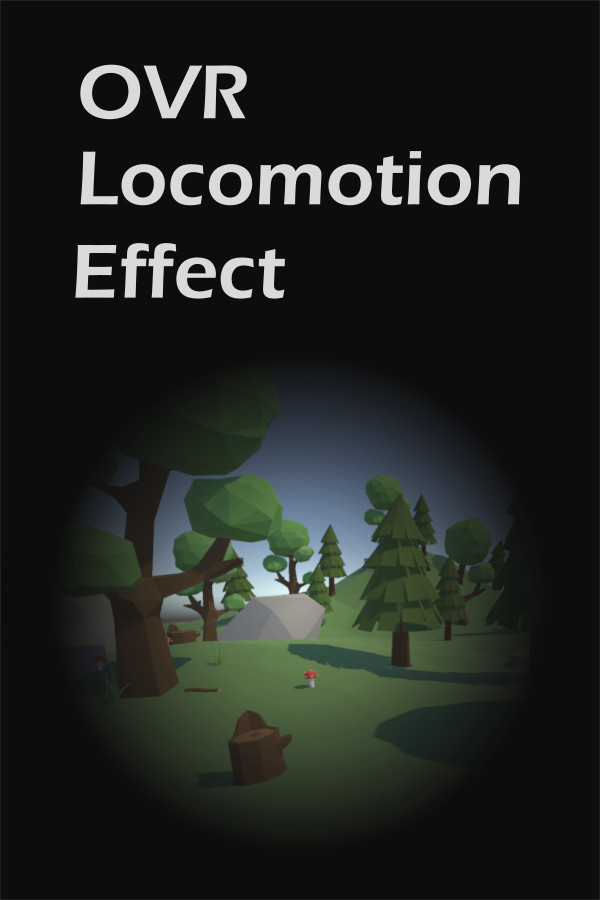
This is free demo version of "OVR Locomotion Effect". Please see the base tool store page for description.
In this demo, you can try the base tool all features in free. Only difference to the product version is that the demo has time limit to each try.
You can actually check the overlay with any VR game. Please check whether it reduces motion sickness to you.
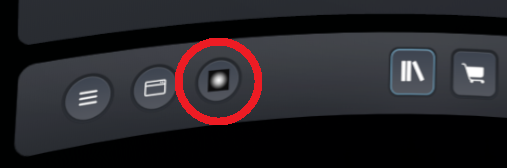
1. Launch the tool then click bottom icon on the SteamVR dashboard.
2. Click "Demo" from sidebar.
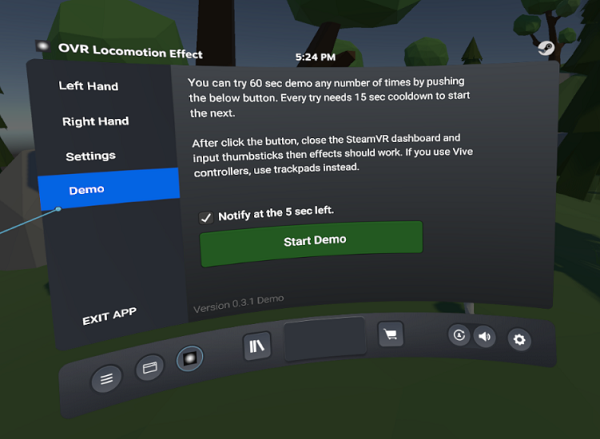
3. Click "Start Demo" button then 60 sec timer starts.
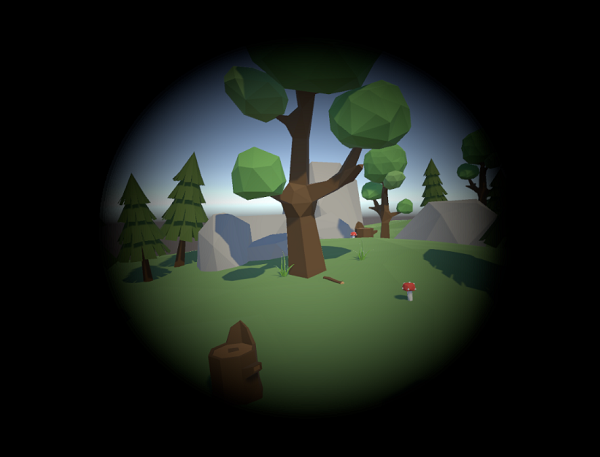
4. Close the SteamVR dashboard and input thumbsticks then effects should be displayed. You can try all features on any VR game with an overlay.
5. After 60 sec, additional 15 sec cool time starts. When the cool time completed, you can push the button. You can try any number of times.
Notes: 60 sec time limit restricts displaying effects only that is displayed during the SteamVR dashboard has closed. You can change settings or check preview any time regardless the time limits.
In this demo, you can try the base tool all features in free. Only difference to the product version is that the demo has time limit to each try.
You can actually check the overlay with any VR game. Please check whether it reduces motion sickness to you.
How to try this demo?
1. Launch the tool then click bottom icon on the SteamVR dashboard.
2. Click "Demo" from sidebar.
3. Click "Start Demo" button then 60 sec timer starts.
4. Close the SteamVR dashboard and input thumbsticks then effects should be displayed. You can try all features on any VR game with an overlay.
5. After 60 sec, additional 15 sec cool time starts. When the cool time completed, you can push the button. You can try any number of times.
Notes: 60 sec time limit restricts displaying effects only that is displayed during the SteamVR dashboard has closed. You can change settings or check preview any time regardless the time limits.